
Save the web exactly as you see it
A privacy-first Chrome extension that captures the live page to a pixel-faithful PDF.
You press Save as PDF and the page comes out wrong. WebClip keeps the pixels the browser actually rendered, so the file matches what you were reading, even content behind tabs and accordions or a lesson inside a course player. Everything runs on your device.
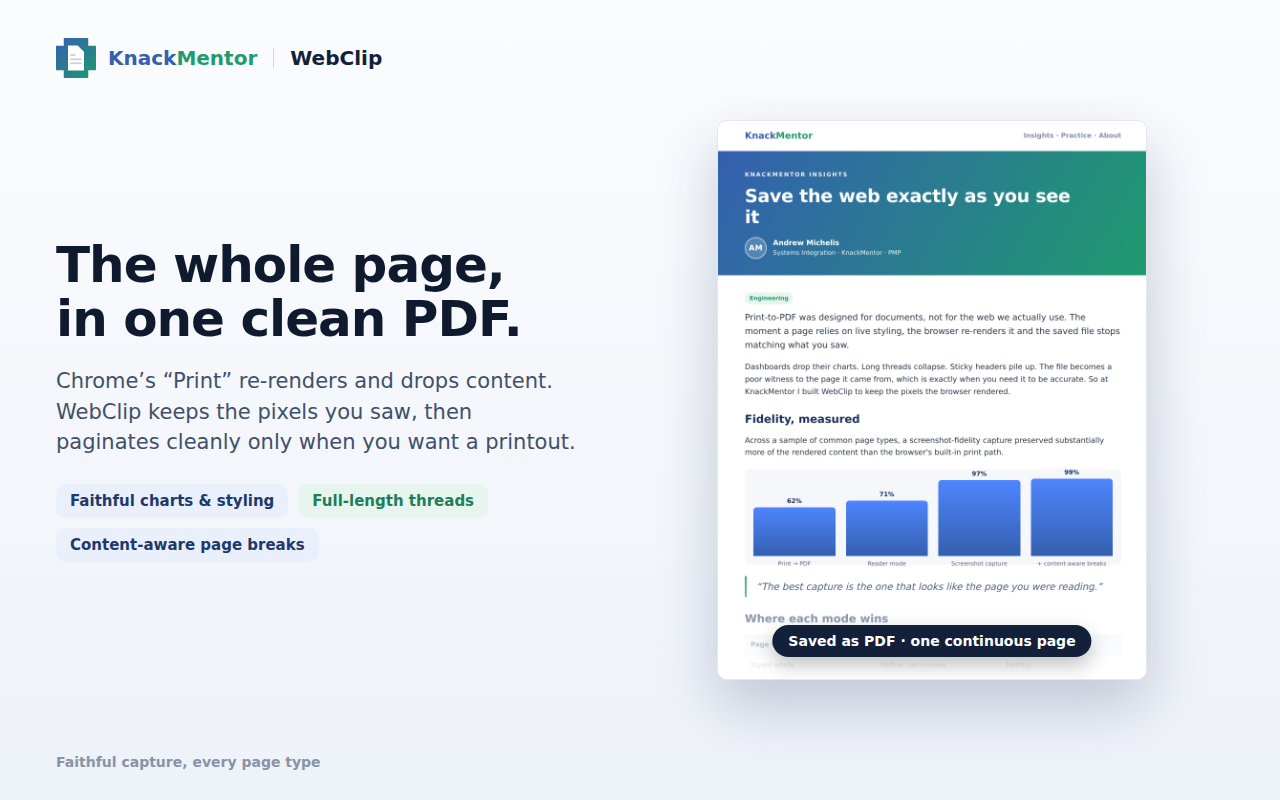
A styled page saved with WebClip: layout, charts and typography preserved, exactly as they rendered.
What it does
Full-page capture
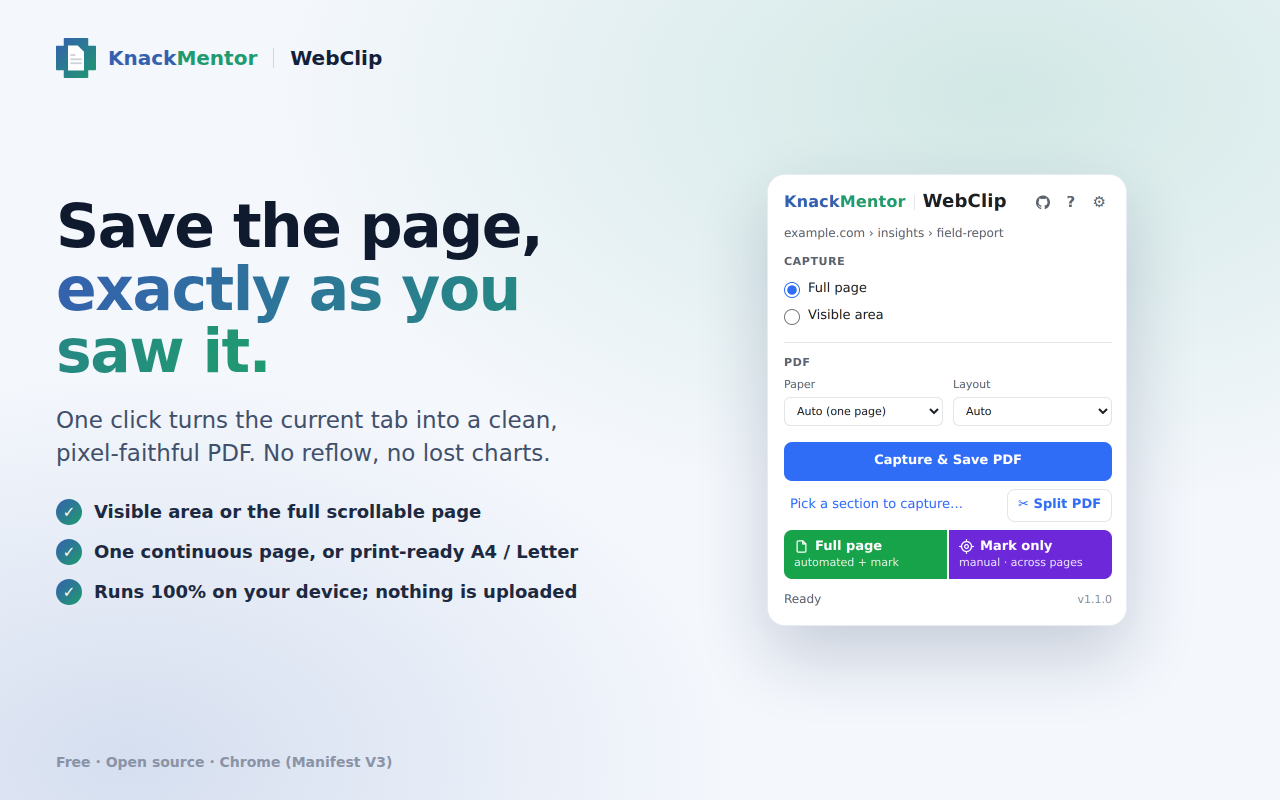
The visible area or the whole scrollable page, stitched cleanly, including web-app panels like chat threads and mail, and lessons inside same-origin course-player frames (SCORM / Articulate).
Mark & assemble
Beyond the full page, mark the parts you want across a long page, opening accordions or switching tabs as you go, and WebClip stitches them into one PDF in order. A bundled offline Help guide shows how.
One page, or print-ready
One continuous page that reads like the screen, or A4 / Letter with breaks that fall in the whitespace, never through a line.
Links stay clickable
The page's links travel into the PDF as real, injection-safe link annotations.
Re-paginate later
Turn a saved one-page capture into printable pages after the fact, without recapturing.
Optional evidence mode
Records the URL, capture time and a checksum for your records — an honest local clock, not a trusted timestamp.
All on your device
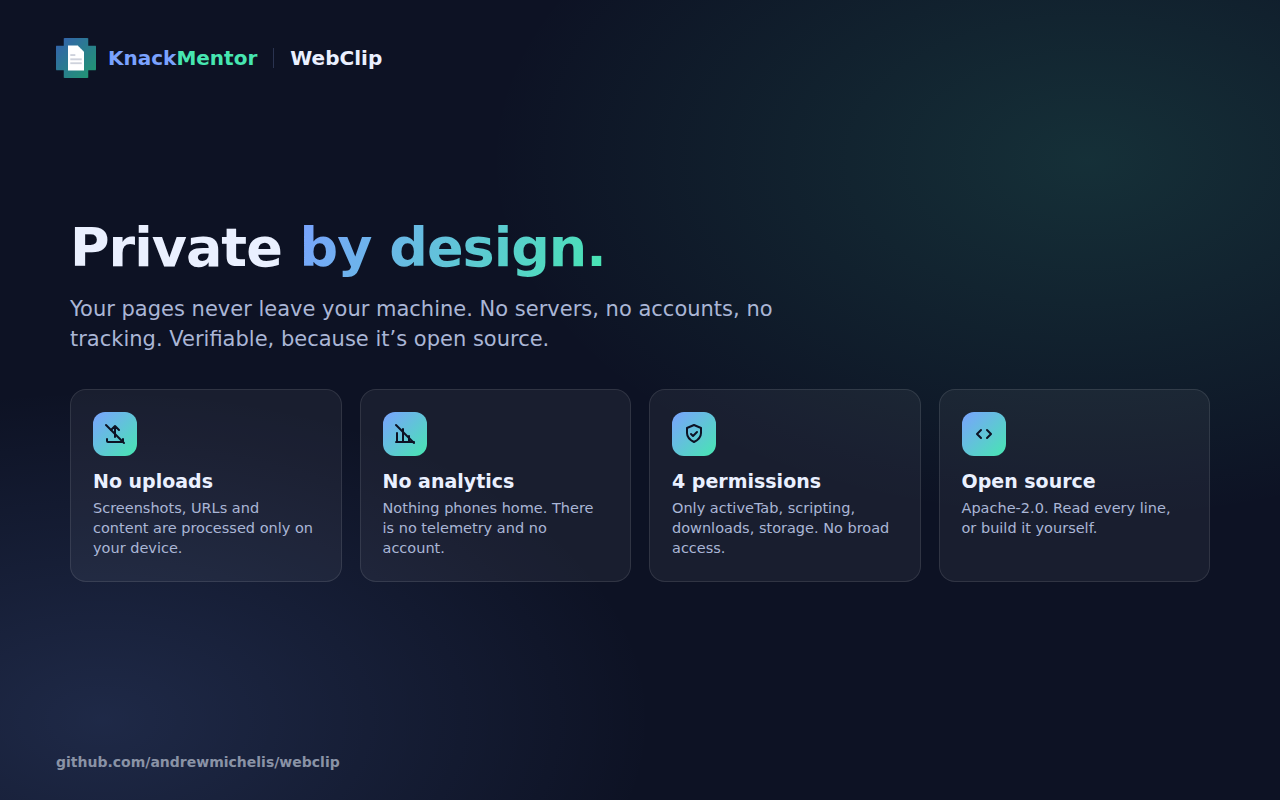
No account, no uploads, and the smallest set of permissions the job needs.
Get WebClip
It is free and open source. Add it from the Chrome Web Store in one click, or run it from source in a minute.