
Print-to-PDF was designed for documents, not for the web we actually use. The moment a page relies on live styling, the browser re-renders it, and the result stops matching what you saw. Dashboards drop their charts. Long threads collapse. Sticky headers pile up. The saved file becomes a poor witness to the page it came from, which is exactly when you need it to be accurate. So I built a small tool to keep the pixels the browser rendered, and I have released it free and open source. It is called WebClip, and it saves the page exactly as you see it.
The best capture is the one that looks
like the page you were reading.
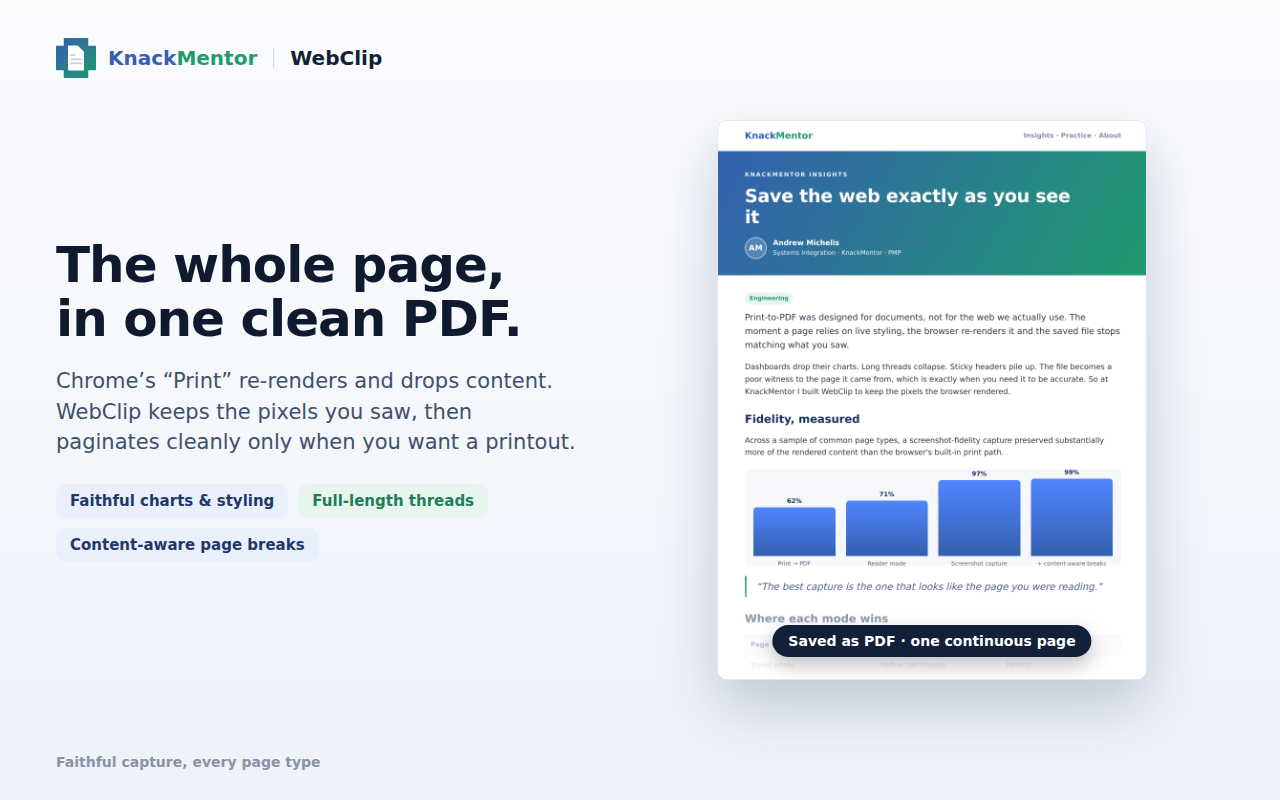
01 Where each mode wins
The difference shows up the moment a page is more than plain text. The same page, saved two ways:
| Page type | Print → PDF | WebClip |
|---|---|---|
| Styled article | Reflow, lost images | Faithful |
| Analytics dashboard | Charts dropped | Faithful |
| Chat / long thread | Collapsed | Full thread |
| Receipt / invoice | Margins mangled | Exact |
02 What it does
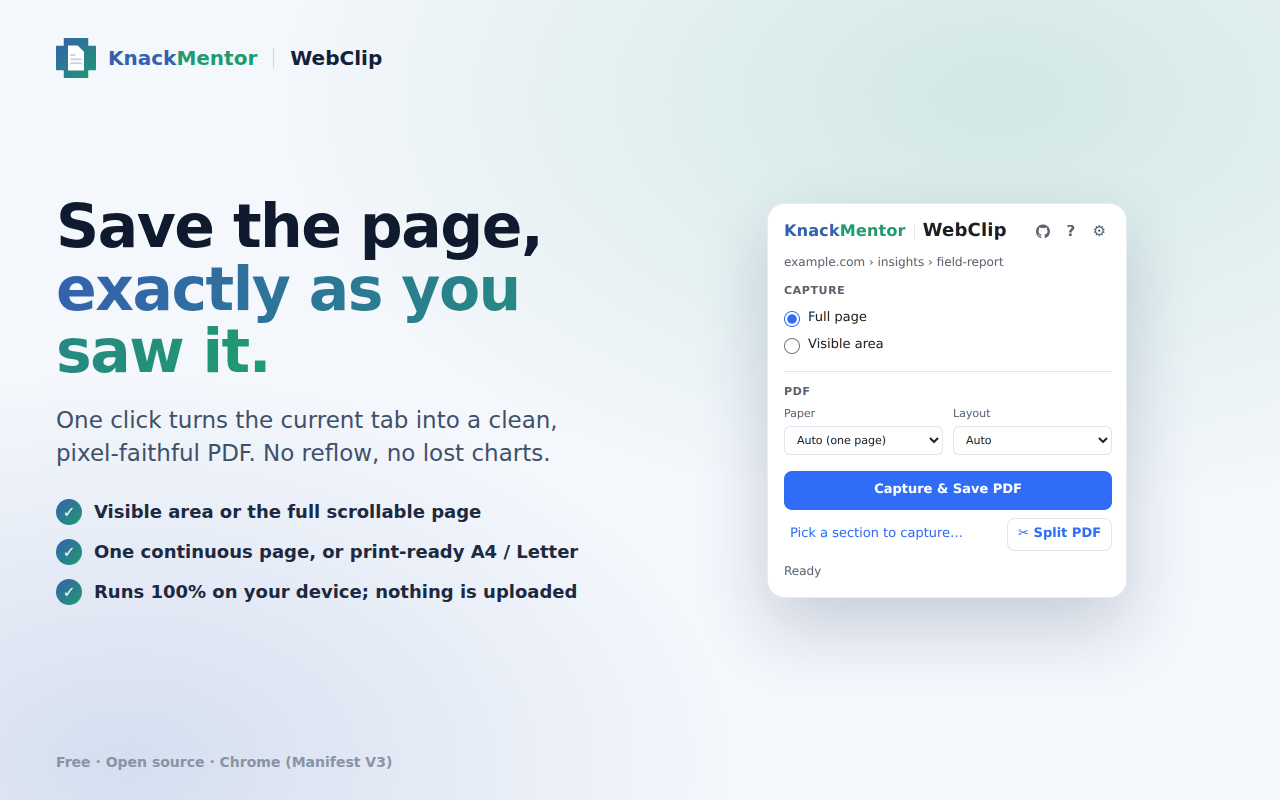
WebClip captures the page the browser actually rendered and saves those pixels as a PDF. Not a re-layout, the real thing you were looking at.
03 Why I built it, and why it stays on your machine
I wanted a capture I could trust to match what I saw, without shipping the page to a server to get it back as a file. Most tools that do this well are cloud services, and for anything personal, internal, or simply private, that trade is not worth it. So WebClip does all of its work on your device. It uploads nothing, it has no account, and it asks only for what it needs to read the tab you are on and save a file. Private by default, because that is the version I wanted to use myself.
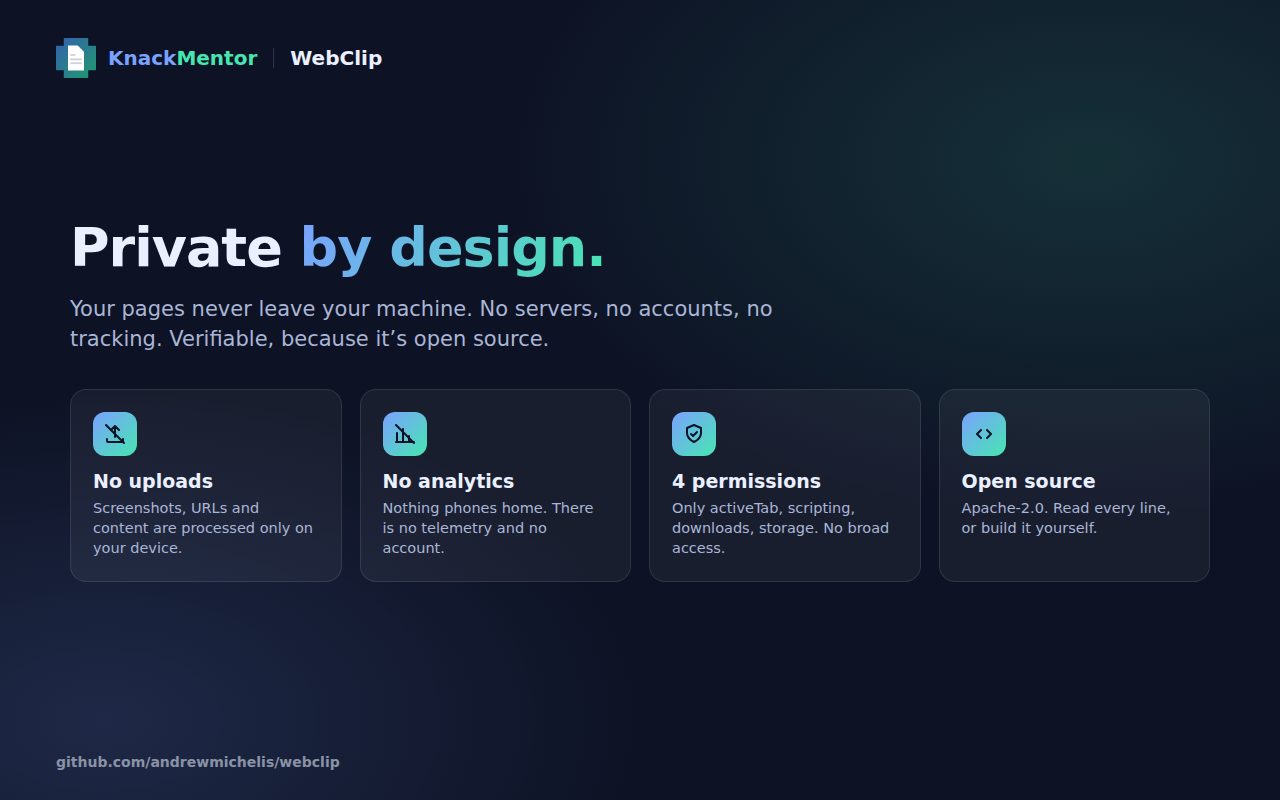
It is open source under Apache-2.0, so you can read exactly what it does or build it yourself, and it is free, and it will stay that way. It is on GitHub now and coming to the Chrome Web Store. Try it at knackmentor.com/webclip, or read the code on GitHub. Take it, use it, and tell me what breaks.
WebClip saves any web page exactly as you saw it, as a clean PDF, entirely on your machine. Free and open source. That is the whole pitch.